You haven't signed in yet, you can have a better experience after signing in
*Please complete the payment within {{receiveCouponInfo.expire_at}}Previous use*
You haven't signed in yet, you can have a better experience after signing in



Activity Rules
1、Activity time:{{ info.groupon.start_at }} ~ {{ info.groupon.end_at }}。
1、Activity time:cease when sold out。
2、Validity period of the Group Buying:{{ info.groupon.expire_days * 24 }} hours。
3、Number of Group Buying:{{ info.groupon.need_count }}x。
Please Pay Attention
1、Teamwork process: Join/initiate a Group Buying and make a successful payment - Within the validity period, the number of team members meets the activity requirements - Group Buying succeeded!
2、If the number of participants cannot be met within the valid period, the group will fail, and the paid amount will be refunded in the original way.
3、The number of people required and the time of the event may vary among different products. Please pay attention to the rules of the event.

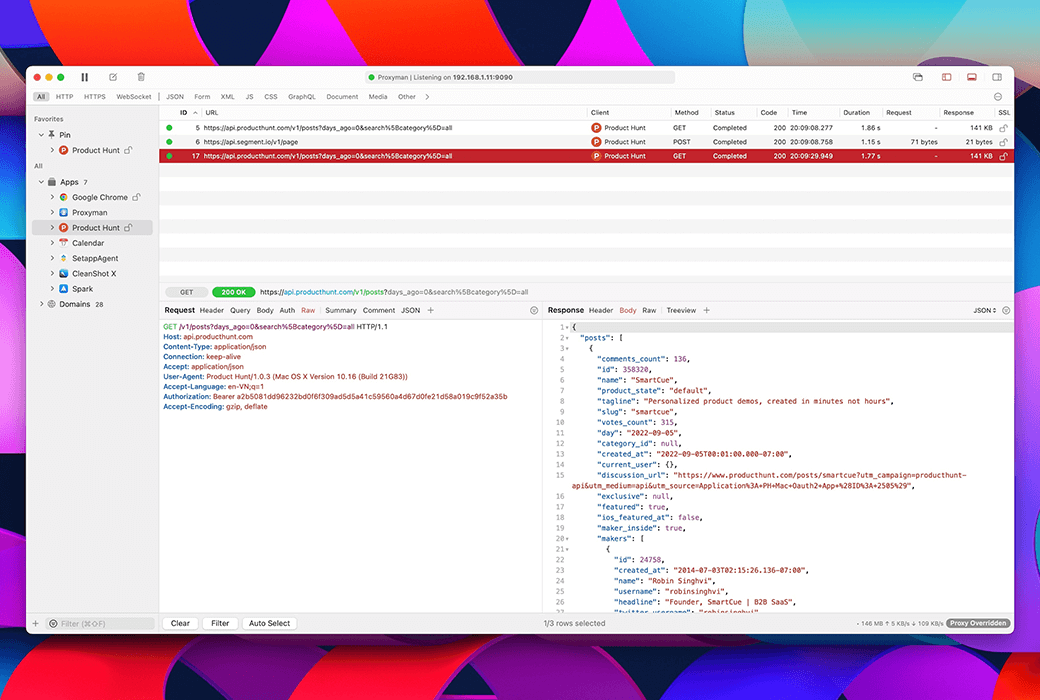
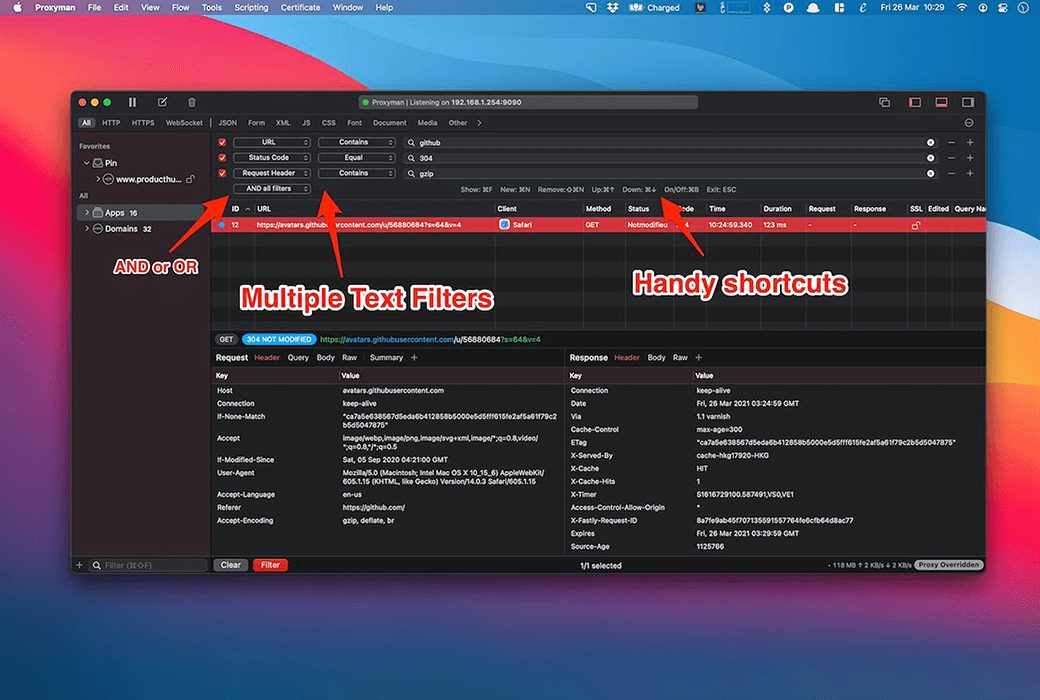
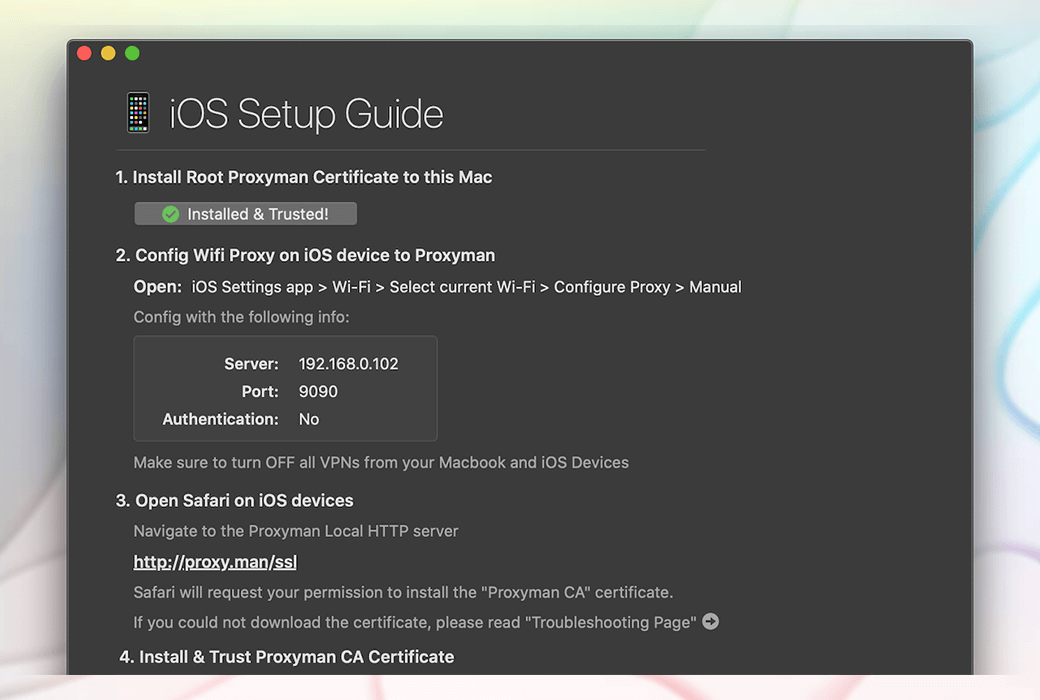
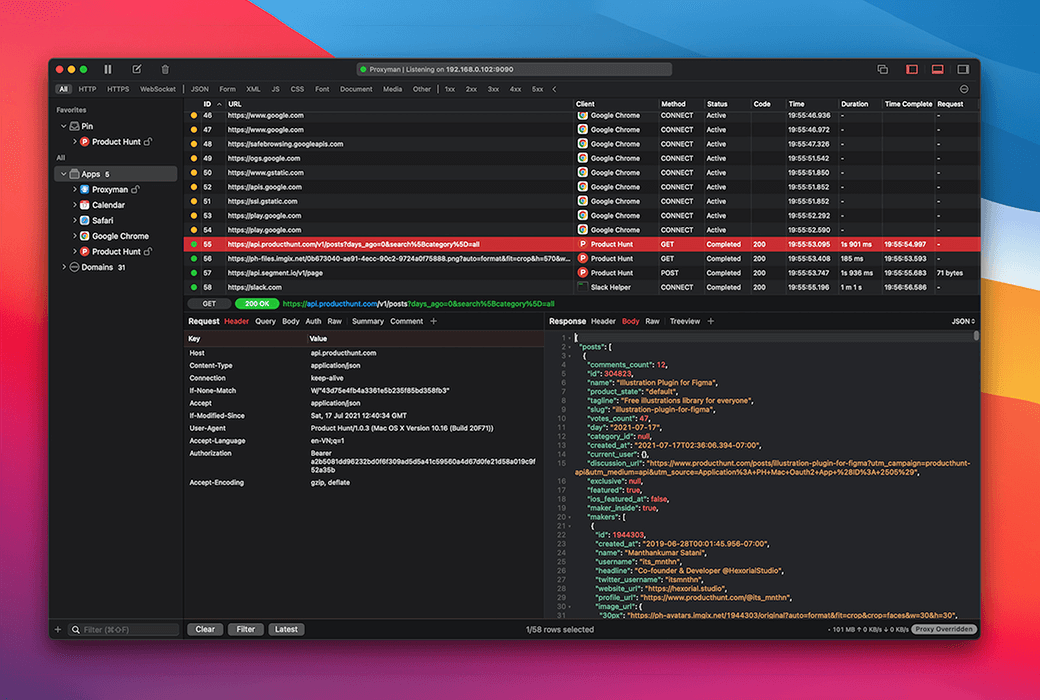
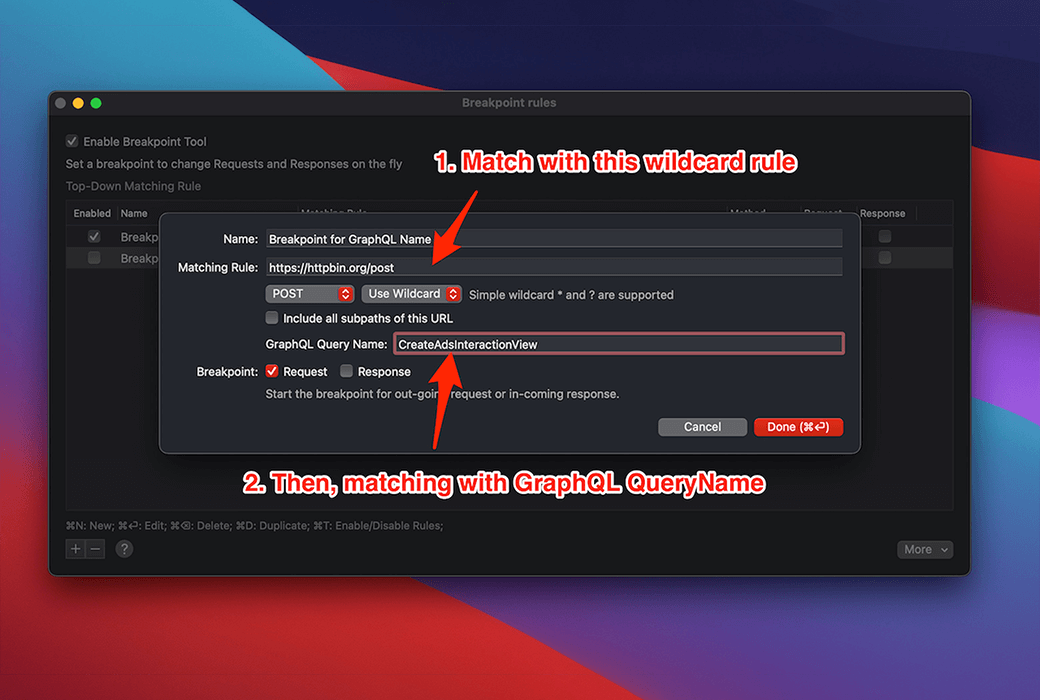
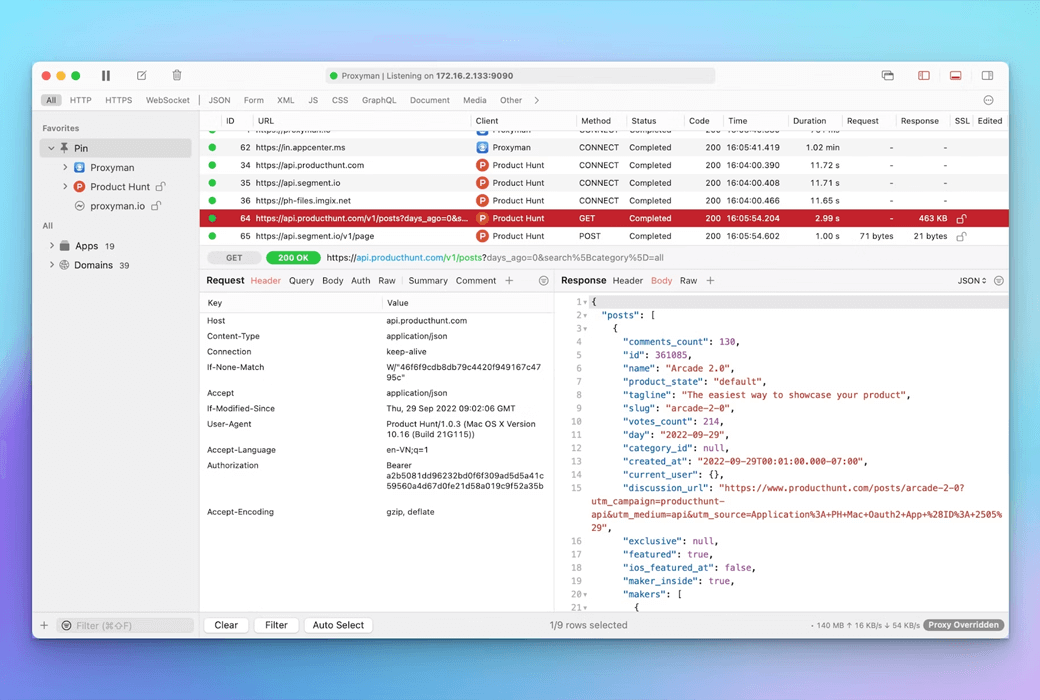
Proxyman 一款专为 macOS 设计的原生应用,提供了一套完整的网络调试工具,让开发者能够轻松捕获、检查和操作 HTTP/HTTPS 流量,从而提高开发效率。
功能介绍:
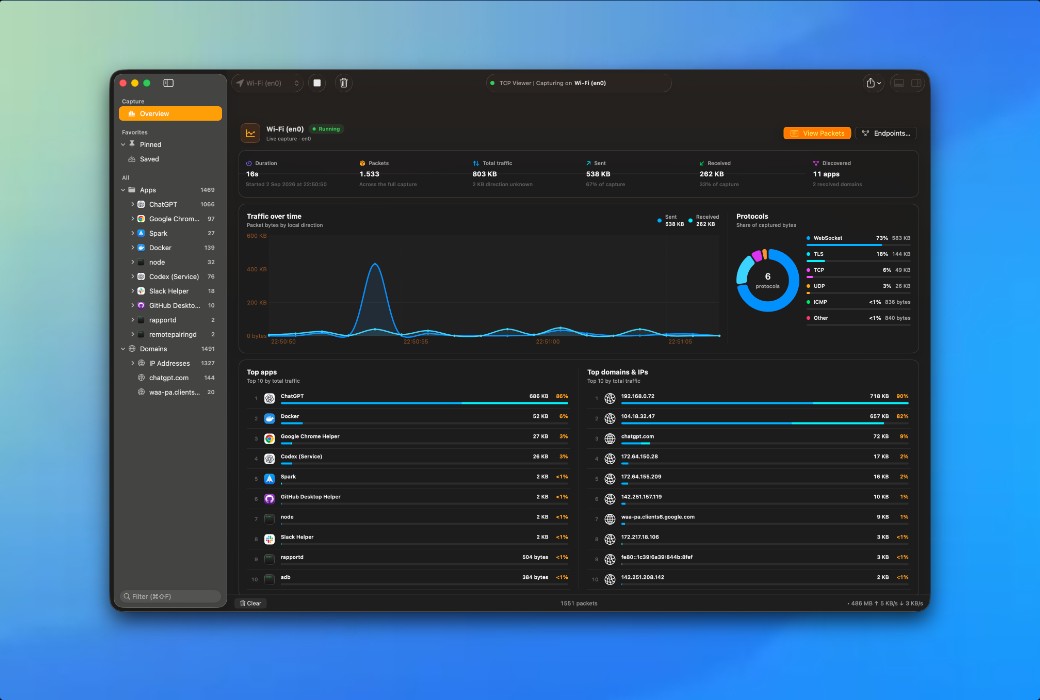
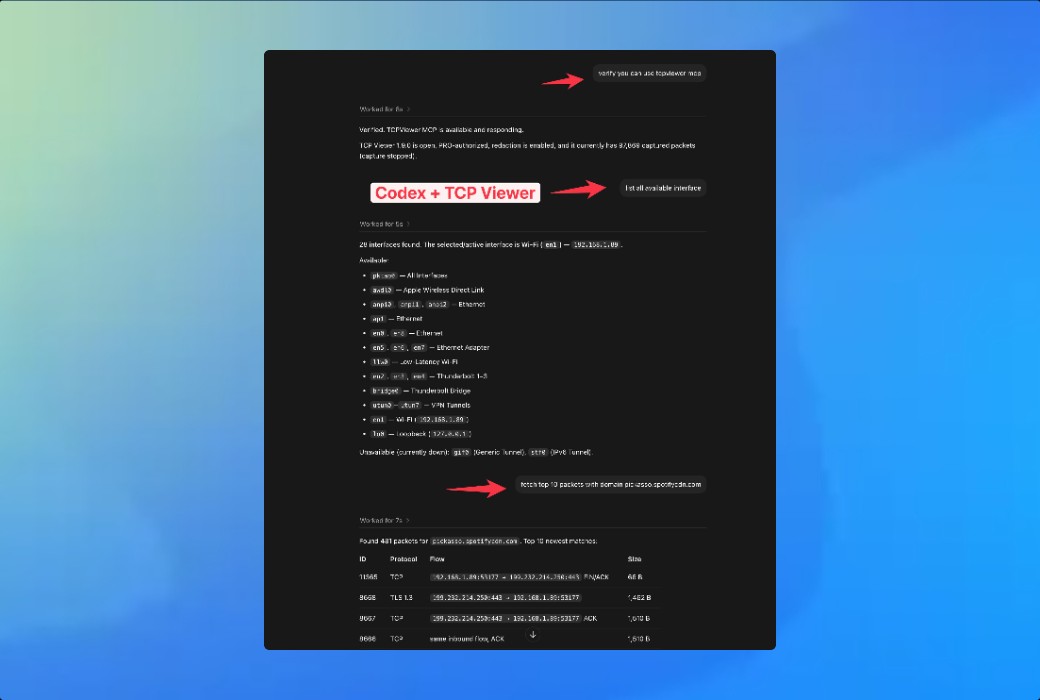
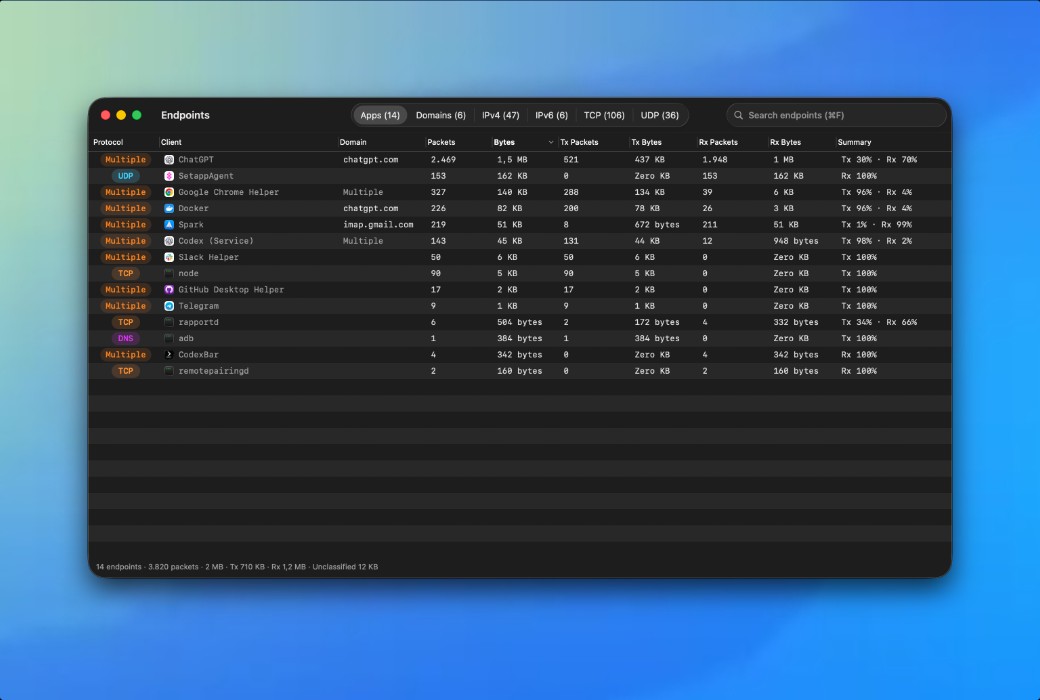
TCP Viewer Mac 原生数据包查看器 — 一个更简单、原生 Mac 的 Wireshark 替代品
简单但强大。选择一个网络接口,开始记录,即使网络繁忙也能保持抓包平稳。
TCP Viewer 是建立在 Wireshark 数据包分析引擎上的。在原生 Mac 界面中探索解码后的协议、字段值和原始字节。
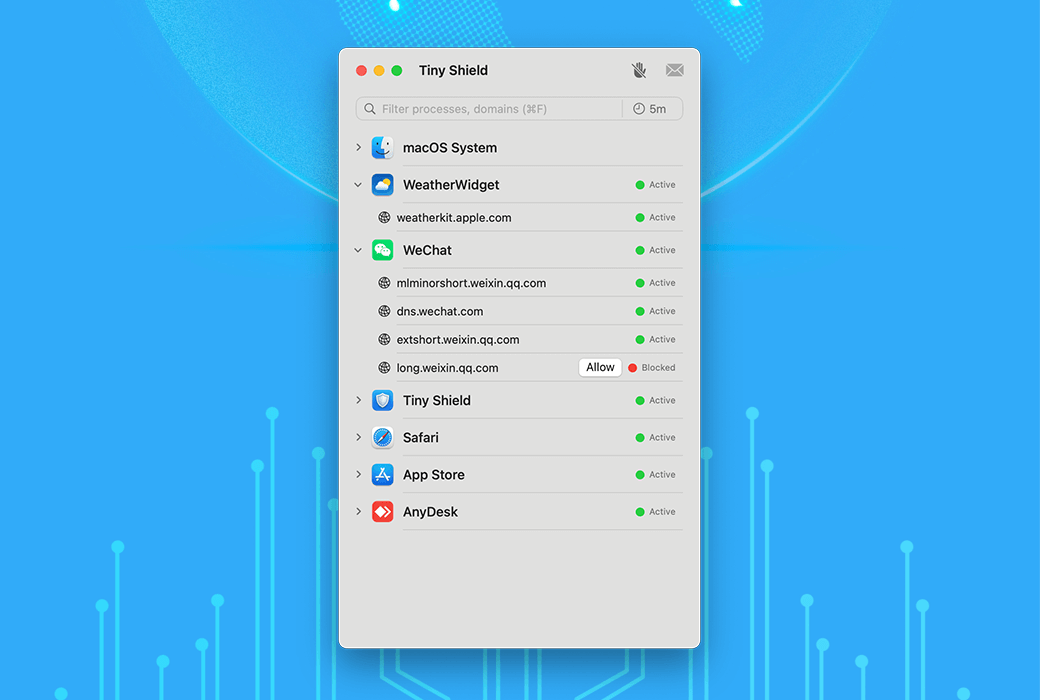
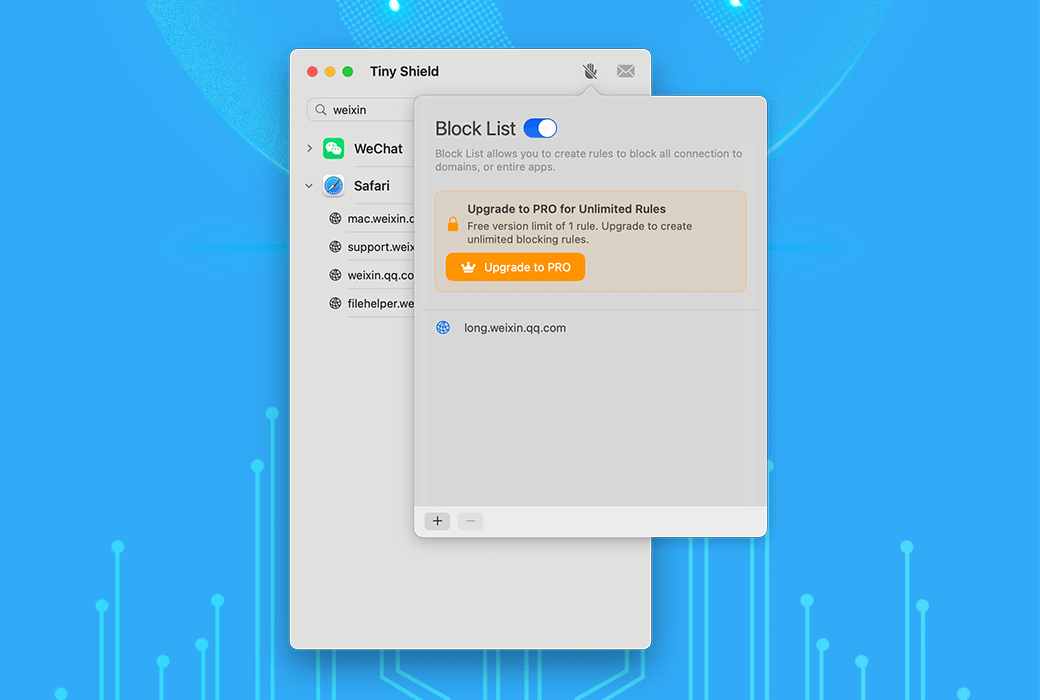
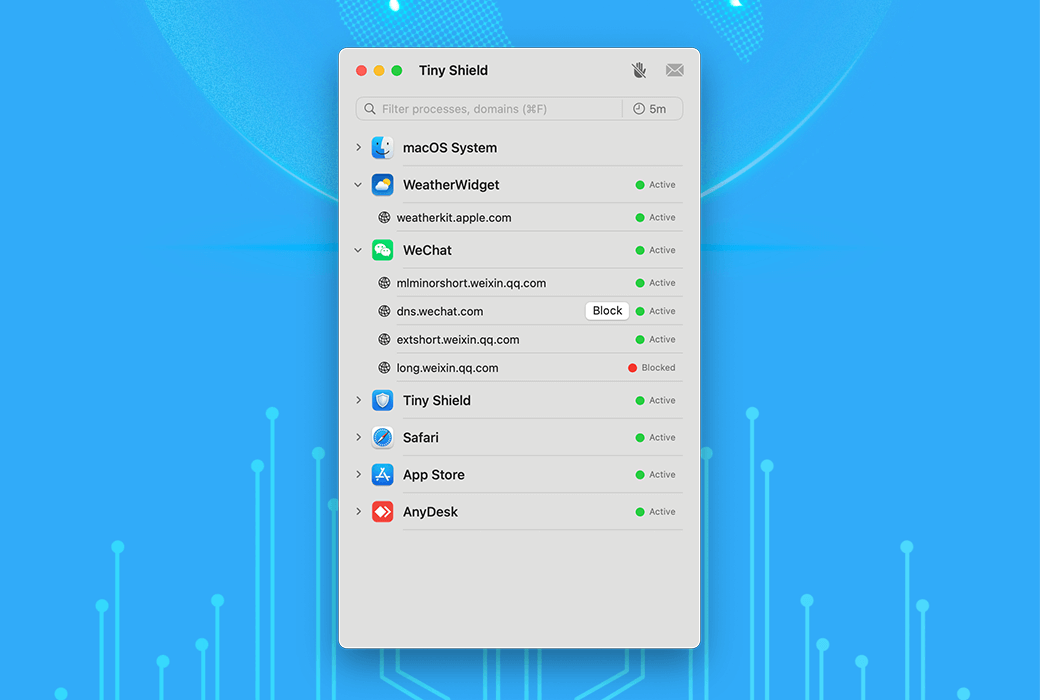
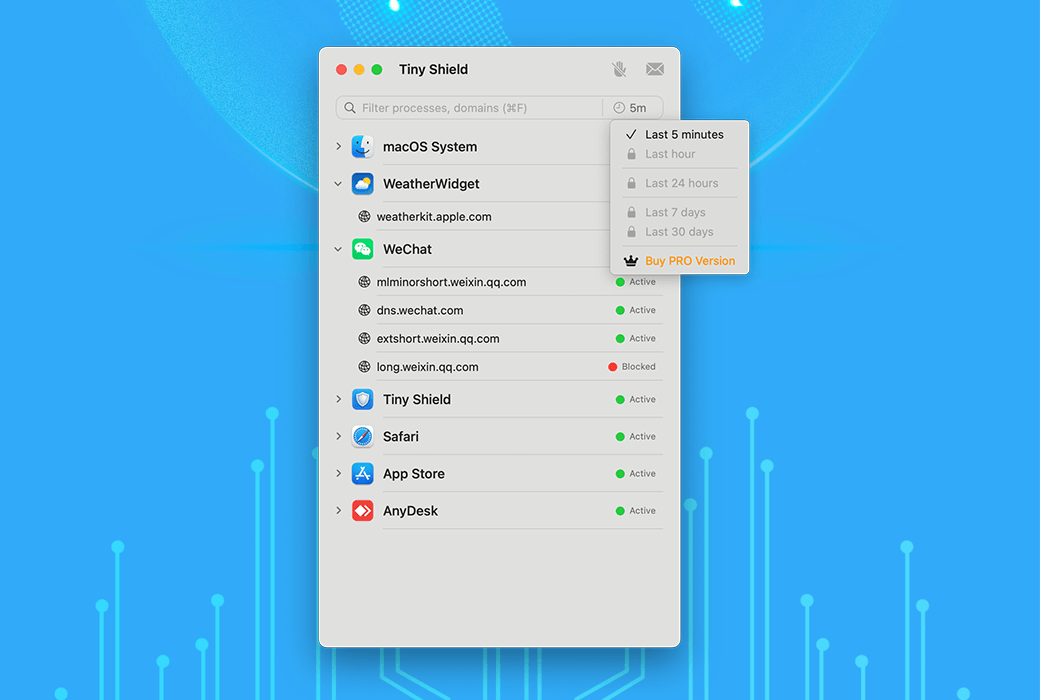
Tiny Shield 通过监视所有连接并在恶意程序损害您的计算机之前将其阻止,从而确保您的网络安全。
Tiny Shield 密切关注 Mac 连接的所有设备,确保您可以在一个地方查看所有互联网活动。
人类可读的域名,而不是无意义的 IP
Tiny Shield 可以解密 Google Chrome 和 Firefox 的主机名
阻止 Mac 上来自某些网站的不需要的流量或阻止整个应用程序访问互联网。
官方网站:https://proxyman.com/bundle
下载中心:https://proxyman-bundle.apsgo.cn
发货时间:24 小时自动发货
运行平台:Windows、macOS、Linux、iOS
界面语言:支持英文界面显示。
更新说明:专业版支持1年更新,终身版:Proxyman 支持1年更新,TinyShield 和 TCP Viewer 支持终身更新。
买前试用:购前可免费试用。
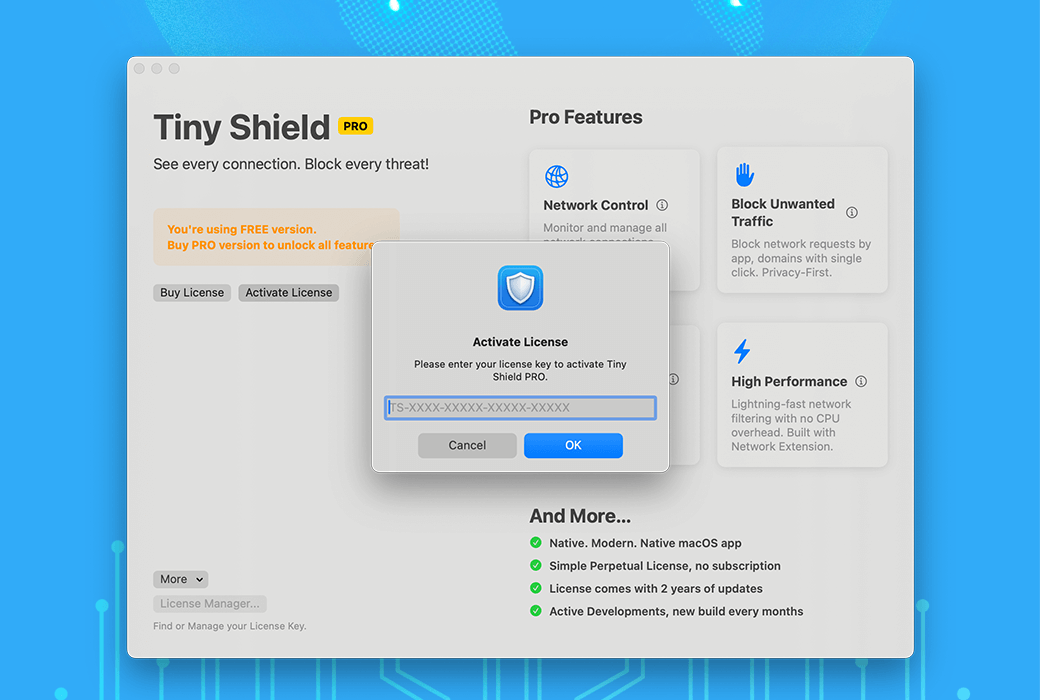
如何收货:购买后,激活信息会以邮件的形式发送到下单时的邮箱,同时可在个人中心,我的订单中查看对应的产品激活码。
设备数量:每款应用 2 个席位。
更换电脑:访问 许可证管理器中删除旧设备,在新设备重新激活。
激活引导:待添加。
特殊说明:待添加。

Any question